Garden
The Garden is the activity hub of WEFA. It's where all interactive activities happen: camera, AR nurture, AR evolution, and game play. There is no separate Play route — games are a mode within Garden.
Modes
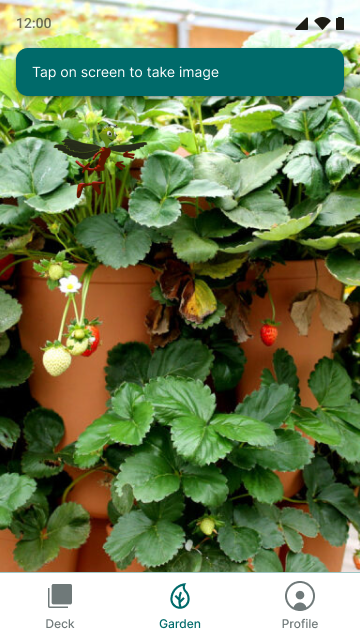
Camera (Default)
Full-screen camera feed with a prompt chip: "Tap on screen to take image." This is the default view when entering the Garden tab.

AR Nurture
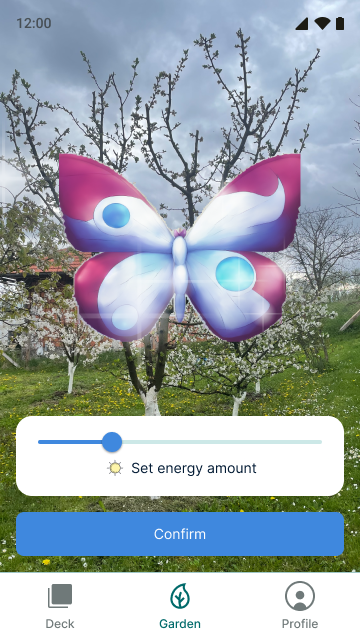
Creature overlaid on the live camera feed with an energy slider and Confirm button. The player sets the energy amount to spend nurturing.
Energy Slider
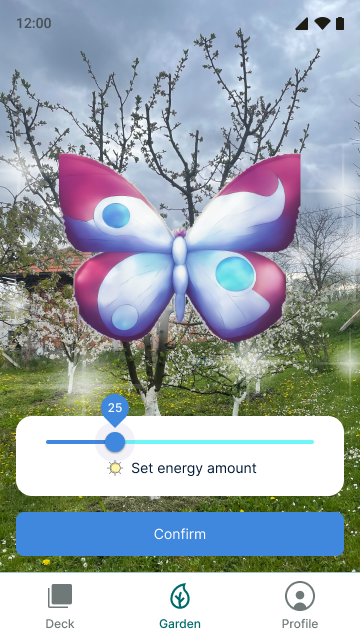
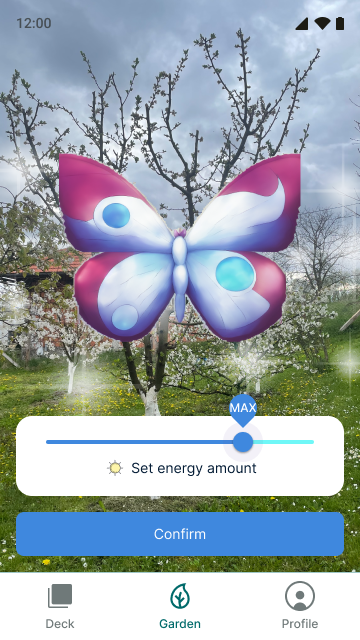
The slider has a numeric thumb badge showing the exact value. Labels include "Set energy amount" with a sun icon.
Error State
When the player tries to spend more energy than they have, a red "Not enough energy" banner appears at the top.

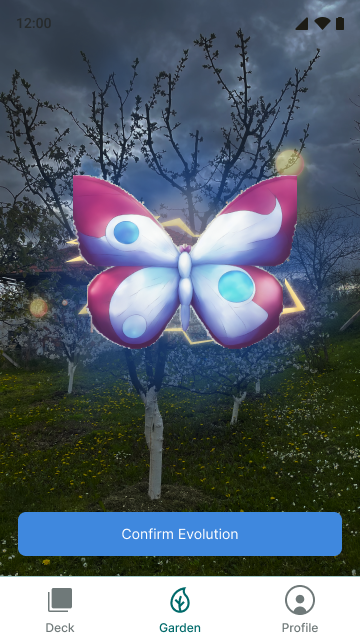
AR Evolution
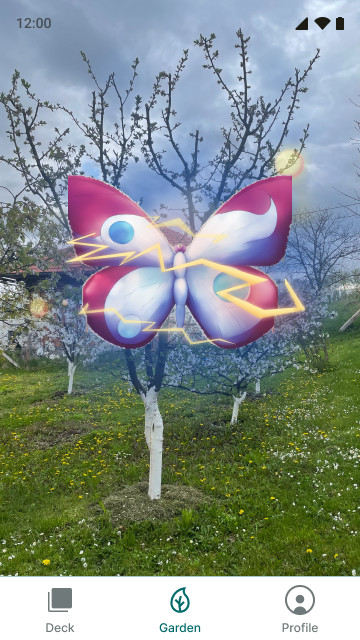
Creature displayed with glow effects and a "Confirm Evolution" bottom bar. After evolution, the creature's new form is shown full-screen with ambient glow.
Game Setup / Game Play
Game mode within Garden. See Board Games and Multiplayer for details.
AR vs Non-AR
- Android Chrome: Full WebXR AR experience (camera feed, hit test, board placement)
- iPad / Desktop: Non-AR 3D canvas with OrbitControls and background
- The app checks
navigator.xr?.isSessionSupported('immersive-ar')and hides the AR button when unsupported
Key Files
src/views/Garden.tsx- Main Garden view and mode managementsrc/stores/useGardenStore.ts- Garden mode state (Zustand)src/components/garden/CameraView.tsx- Camera default viewsrc/components/garden/ARNurtureView.tsx- AR nurture modesrc/components/garden/AREvolutionView.tsx- AR evolution mode