Evolution System
Evolution transforms creatures through four stages, with each stage bringing new visuals, stats, and abilities. Evolution is always an explicit player choice — never automatic.
Stages
| Stage | XP Threshold | Description |
|---|---|---|
| Seed | 0 | Initial form. Small, minimal features. |
| Sprout | 100 | Growing features emerge. |
| Bloom | 300 | Full-featured, distinctive visuals. |
| Elder | 700 | Final form. Powerful stats and abilities. |
Evolution Flow
What Changes on Evolution
- Stage label (Seed -> Sprout -> Bloom -> Elder)
- Visual appearance (new sprite/model generated)
- Stats (scaled up based on element growth pattern)
- Signature move (updated text reflecting new capabilities)
- Card frame (optional visual treatment)
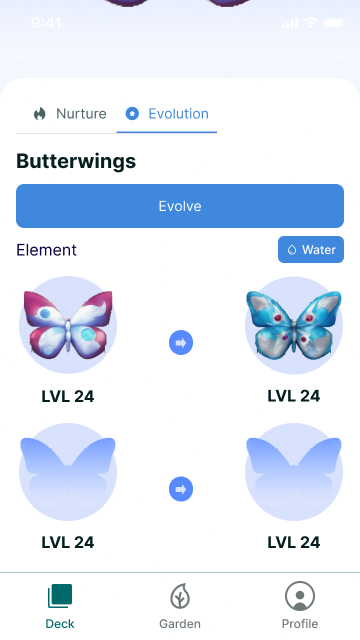
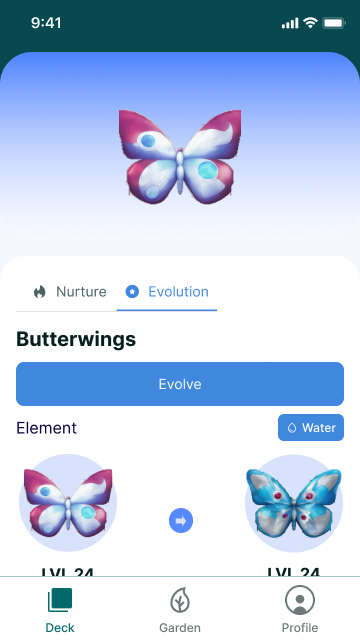
Evolution Grid
The creature detail Evolution tab shows all stages in a grid with level labels. Locked/future stages appear faded, while the current and past stages show the creature's art.
AR Evolution
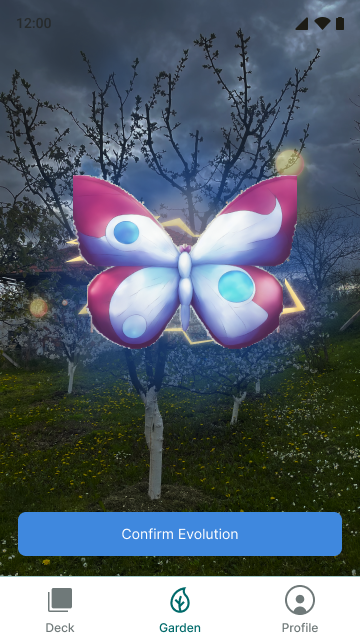
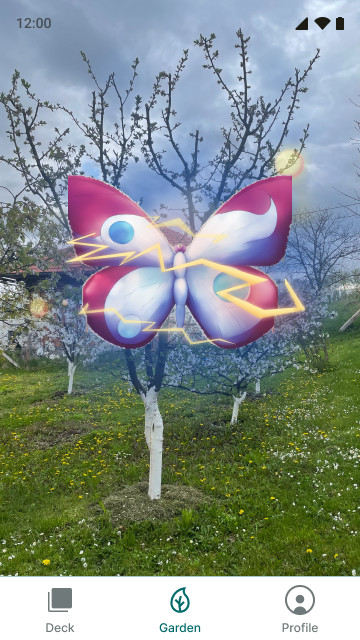
Evolution can be triggered from the Garden's AR Evolution mode, where the creature is shown with glow effects and a "Confirm Evolution" button.
After evolution, the new form is displayed full-screen:
Key Files
src/machines/creatureEvolveMachine.ts- Evolution state machinesrc/hooks/creatures/useEvolve.ts- Evolution hooksrc/components/garden/AREvolutionView.tsx- AR evolution view